← All modsChecked August 26, 2026Forge · Minecraft 1.20.1
LamAI
Local AI chat through Ollama with no cloud key
ModelOllamaLicenseAll Rights ReservedSourceCurseForge
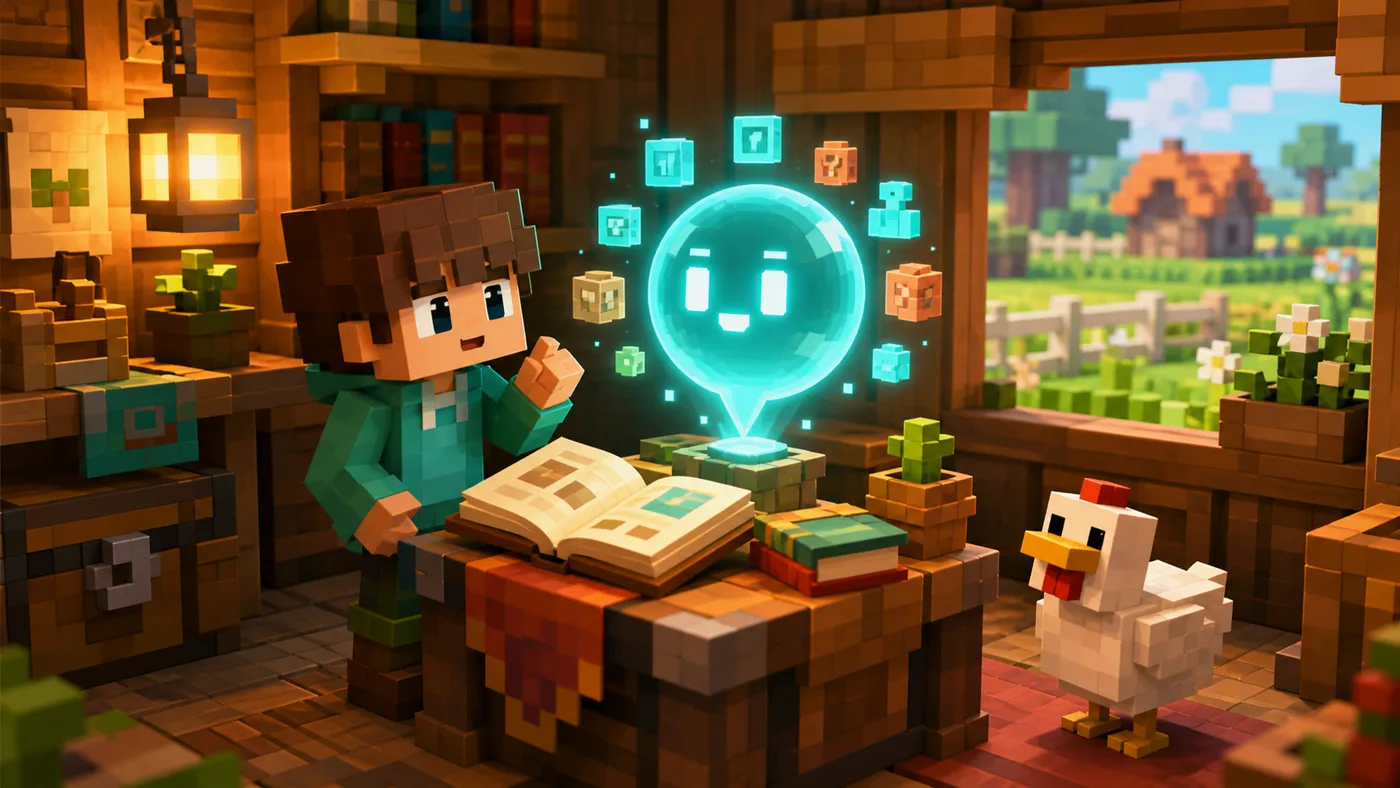
AICRAFT concept illustration based on the mod’s features—not an official screenshot.
What is this mod?
LamAI connects Minecraft to Ollama running on your computer. The /ia command talks to a selected local model without sending the conversation to a cloud API.
In short: A good minimalist option for local chat, though the advertised companion and memory remain future plans.
What it can do
Local answers without a cloud API key
The /ia command
Compatibility with Ollama models
Straightforward Forge 1.20.1 installation
What you need
Minecraft 1.20.1 and Forge
Ollama installed and running
A local model; the author recommends llama3.1:8b
Installation
Install the correct Forge version for Minecraft 1.20.1.
Choose a file for your exact game version on the official project page.
Move the .jar file into .minecraft/mods.
Add every dependency listed by the author, then launch a separate test profile.
Configure a local model or your own API key. Never share the key.
Important limitations
AI companion and memory are still only planned
Speed depends on your computer
A local model consumes storage and memory
Where to download safely
We do not host the installation file. The button opens the official project page, where you can verify the author, license, changelog, and compatible file.
Open CurseForge ↗Details checked August 26, 2026. Always confirm the newest compatible version on the author’s page.